Original styling prompt; theme rotation and exact game controls are unverified. Follow the prompt shown in your round.
Fairycore colors and where to use them
Soft greens. Petal pink. A little woodland daydream.
Use the four HEX values below as visual references; choose nearby available shades when needed.
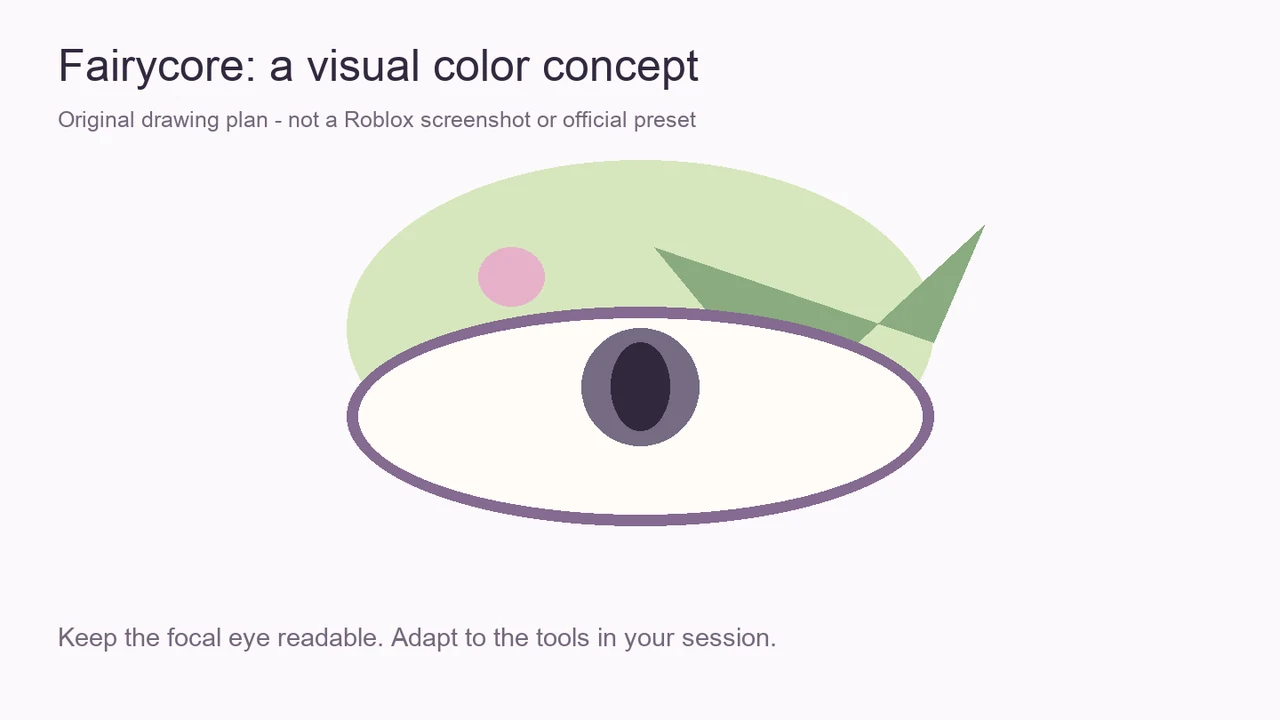
Fairycore eye makeup, step by step
Plan the larger eye shape before adding the accent. Adapt these drawing directions to the tools actually available in your session.
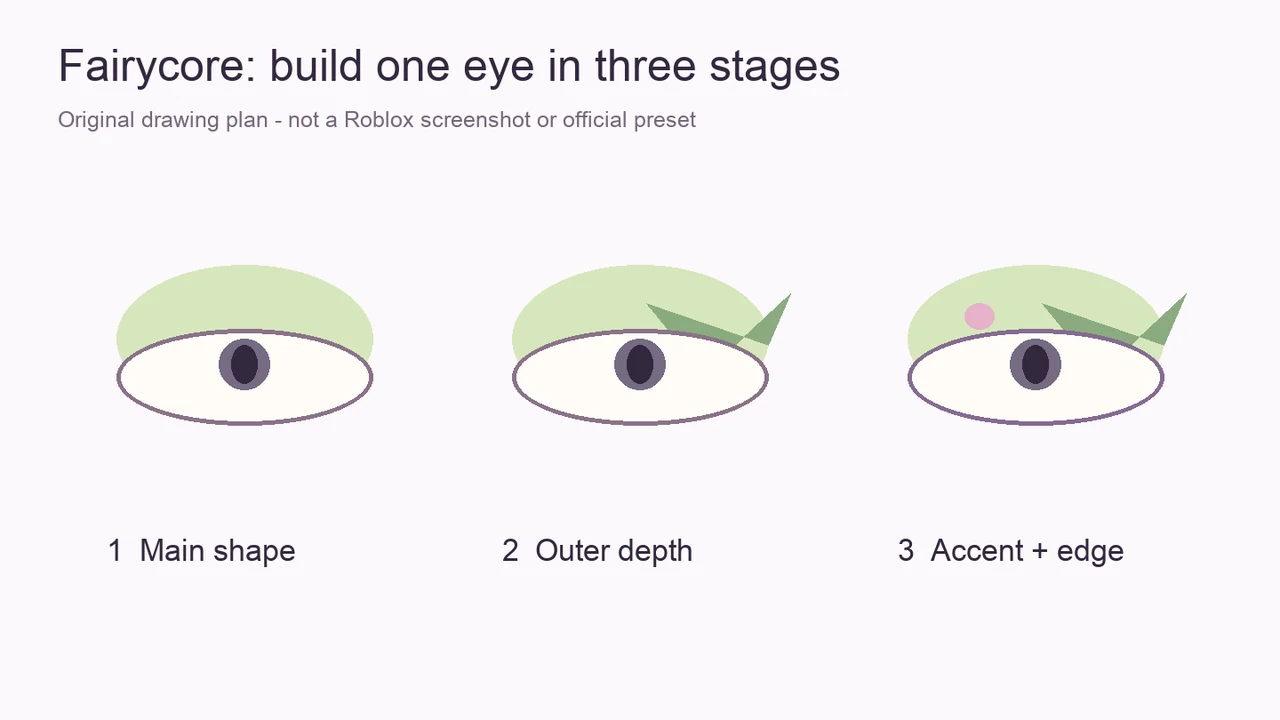
- Start with Dew as the lightest part of your eye-color plan.
- Use Sage to suggest depth at the outer edge, leaving the center light.
- Add a small Petal accent, then reserve Orchid for a restrained outline.
Give soft colors a visible edge
Soft colors can merge into the surrounding face when every area is equally pale. Reserve sage for the outer edge and orchid for a short defining line. Leave the center light so the green remains the main color rather than turning into a flat lavender eye.
The rose accent works best as one small interruption in the green. Try it near the inner color area or at the outer tip, depending on the tools available. Repeating pink on every detail can overwhelm the woodland direction.
Hair balance and runway presentation
A softer hair outline leaves room for the pale green eye. Compare the color against your chosen hair and skin tone before adding details. If the eye seems washed out, strengthen the sage edge first instead of making every shade darker.
A slight three-quarter turn keeps one eye prominent. Aim for a relaxed, soft presentation if the available controls allow it.
There is no verified named emote or voting bonus attached to this suggestion. If pose selection is unavailable, concentrate on making the face readable from the default presentation angle.
Refine the look before adding more detail
If the result feels too pale at full-character scale, extend the orchid definition slightly. If it feels too sharp, keep the definition close to the eye shape and enlarge the light center. These changes preserve the gentle palette while improving its outline.
Save the HEX references or compare the palette in the helper before your next round. A cohesive interpretation is a styling goal; it cannot guarantee how other players vote.